Windows · amd64 + arm64 · 14 MB · MIT
See what is listening, and which project owns it.
A native Windows app that lists every listening TCP port with the process that owns it,
its PID, and the folder it was started in. netstat tells you a port is taken.
This tells you which project took it.
One binary · no runtime to install · opens instantly
Every port is a socket, and its number is its height.
A bench indexer reads the machine the way the app does: one socket per listener, standing as tall as its port number, with the ports another machine can reach sitting in wide collars. Move the pointer across the row, or use the arrow keys.
Built for the question “what just took port 3000?”
No dashboard to configure, no agent to run. Two things are worth knowing, because neither is the obvious approach.
-
The folder, not just the port
Two servers of the same program are told apart by the project each one serves. The working directory comes from the process's own PEB — Windows exposes it only through
NtQueryInformationProcess, which neither the toolhelp snapshot nor WMI reports. -
The table comes from the API
The port list is read from
GetExtendedTcpTable, not fromnetstat.netstat's output is localized, so its columns and address text change with the system language. The API does not. -
Current without asking
It rescans every two seconds, off the UI thread, so the list stays live without a refresh key. Close the window and it keeps watching from the tray.
Every column, and the one that matters.
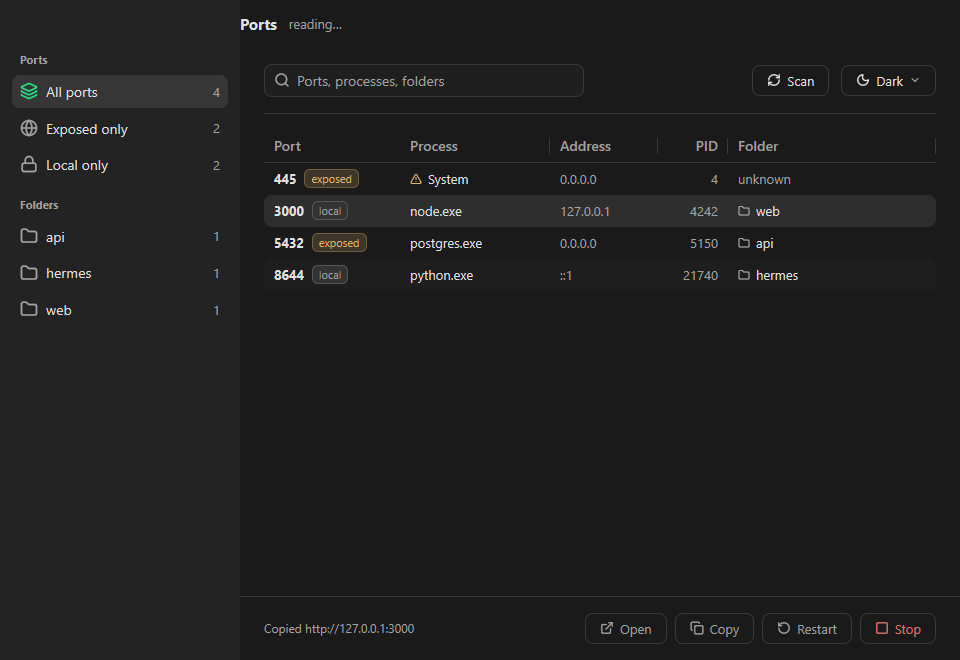
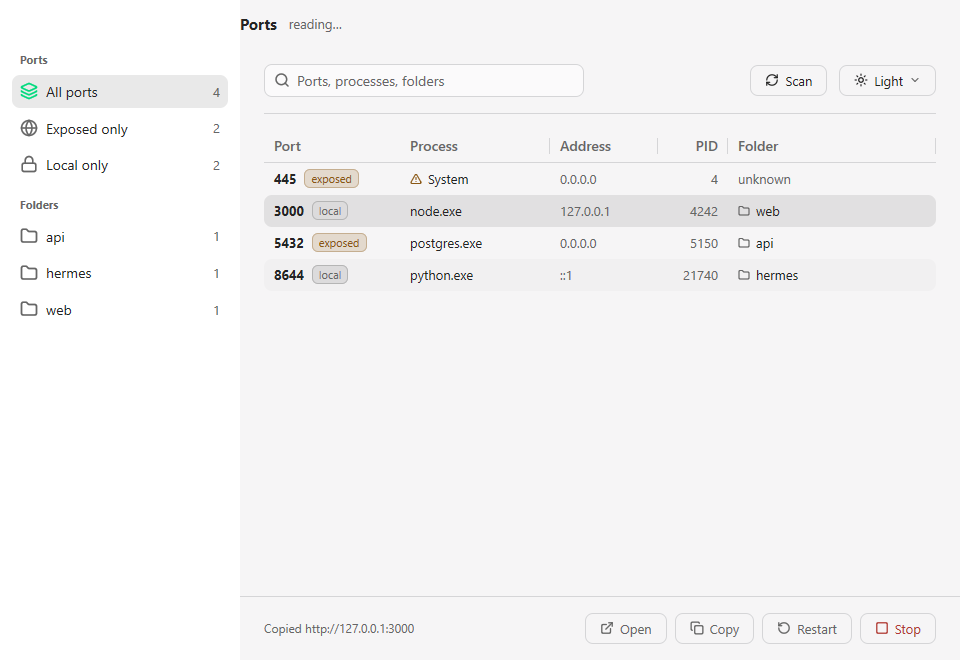
Port, process, bind address, PID, folder — sortable, searchable, and live. Each row says whether the port is exposed or local, and the folder column is the one that tells two servers of the same program apart.
What it is, exactly.
Stop or restart, safely.
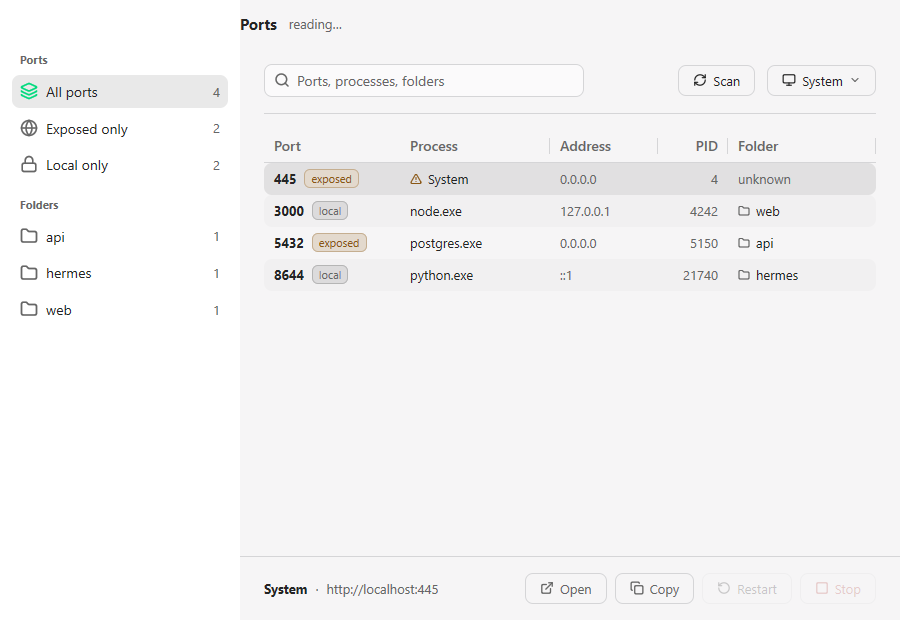
Every destructive action asks first and names the process. Restart reuses the original command line and working directory — which means the command line has to be read before the process is stopped, because it is gone with the process.
The quiet states matter too.
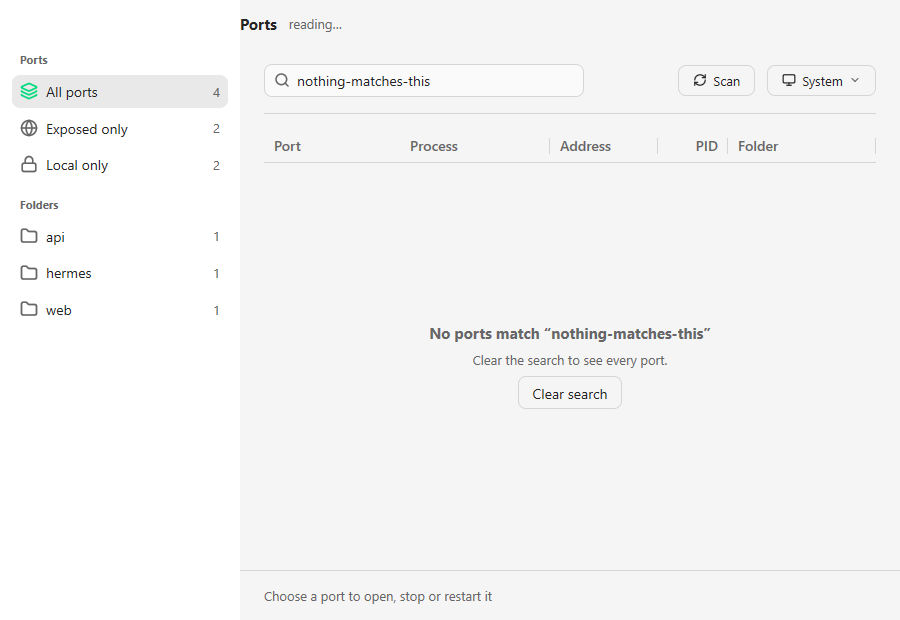
Nothing listening, nothing matching, a process it may not end — each says so plainly, and offers the next step.
Know what your machine is serving.