The harness
home.
Every agent CLI you already run, driven from one native window over its own protocol. No new keys, no new subscriptions, no browser engine in the binary.
Index of harnesses
- 01Best supportedOpenCode
- 02OpenCode 2
- 03Claude Code
- 04Codex CLI
- 05Amp
- 06Cursor CLI
- 07Copilot CLI
- 08Grok Build
- 09Kimi Code
- 10Jcode
- 11Vercel Fx
- 12DeepSeek Harness
- 13Pi
- 14Oh My Pi
Stream-json, JSON-RPC, the Agent Client Protocol, SSE, NDJSON — normalized into one model. Each agent keeps its own context when you switch mid-project.
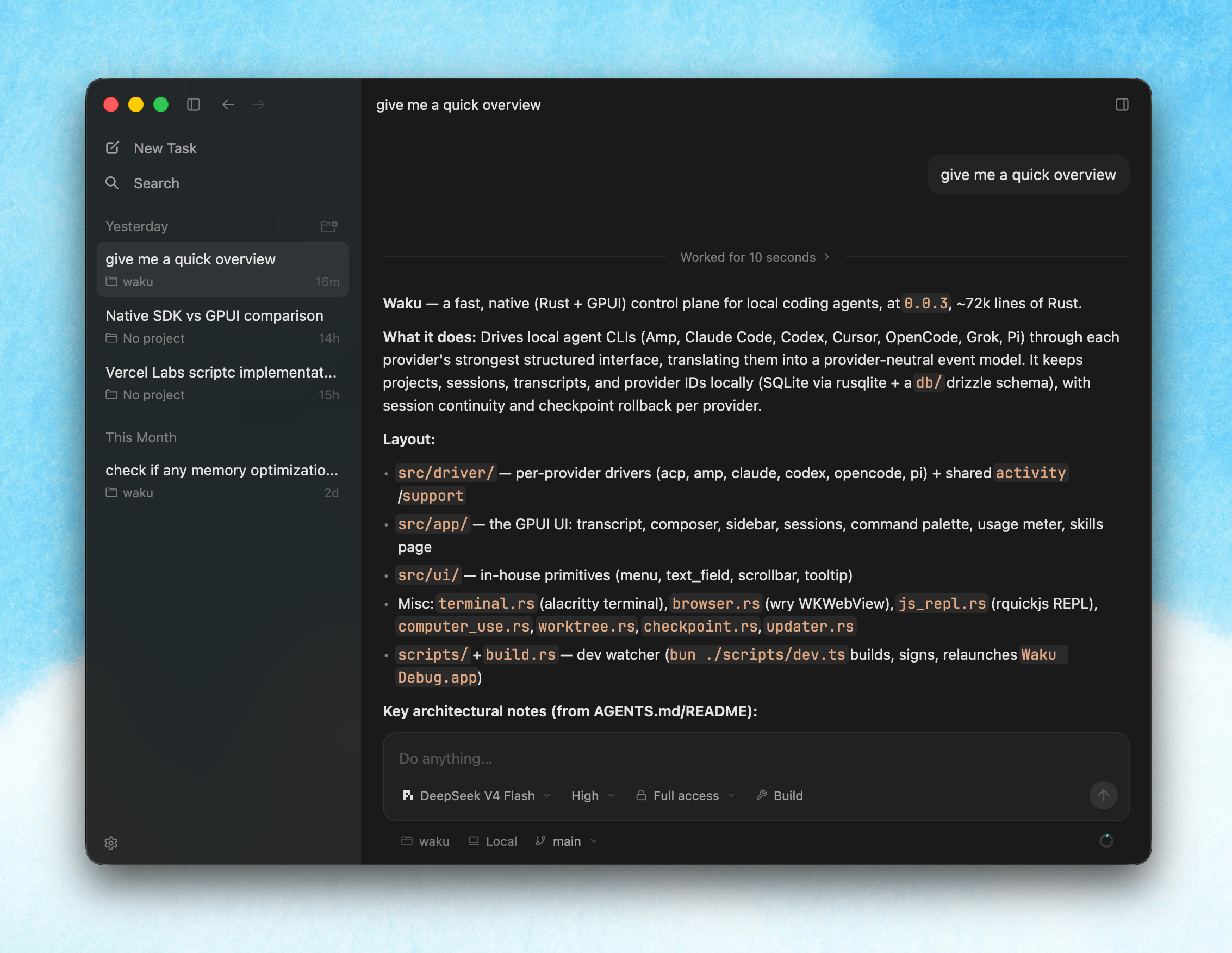
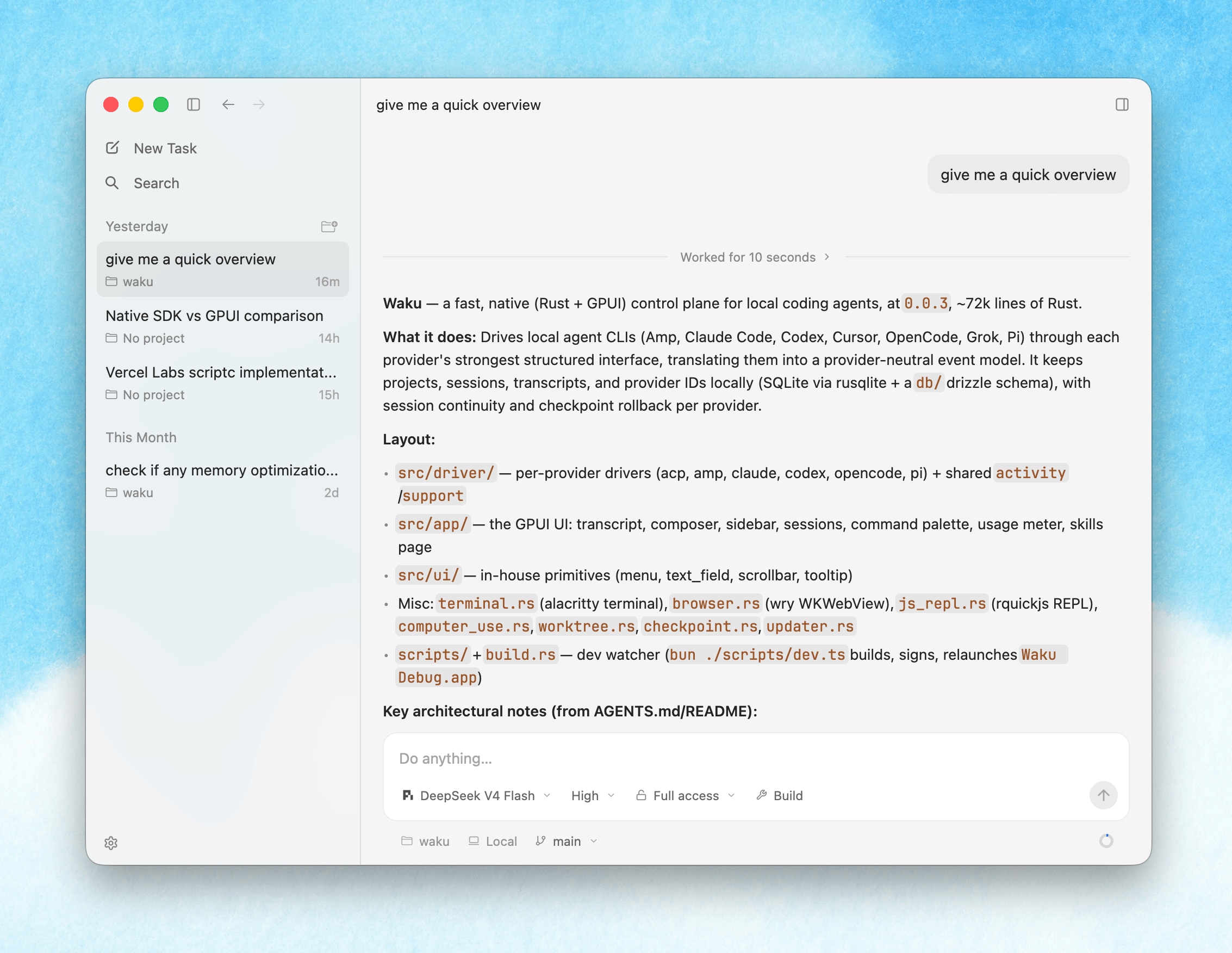
Facts
Form
One native binary. Rust and GPUI. No browser engine.
Platforms
Windows x86_64 · arm64 · Android (universal APK)
Session
One long-lived process per conversation
Storage
Local. SQLite, blob store, your user profile.
Updates
In place, from a signed feed. Off switch in Settings.
Licence
GPL-3.0-only. A fork of an open-source project.
The phone comes too.
A companion that connects to the daemon on your Windows machine over WebSocket. Your sessions live on the desktop; the phone is a window onto them. Over Tailscale it reaches your machine from any network, with no port forwarding.
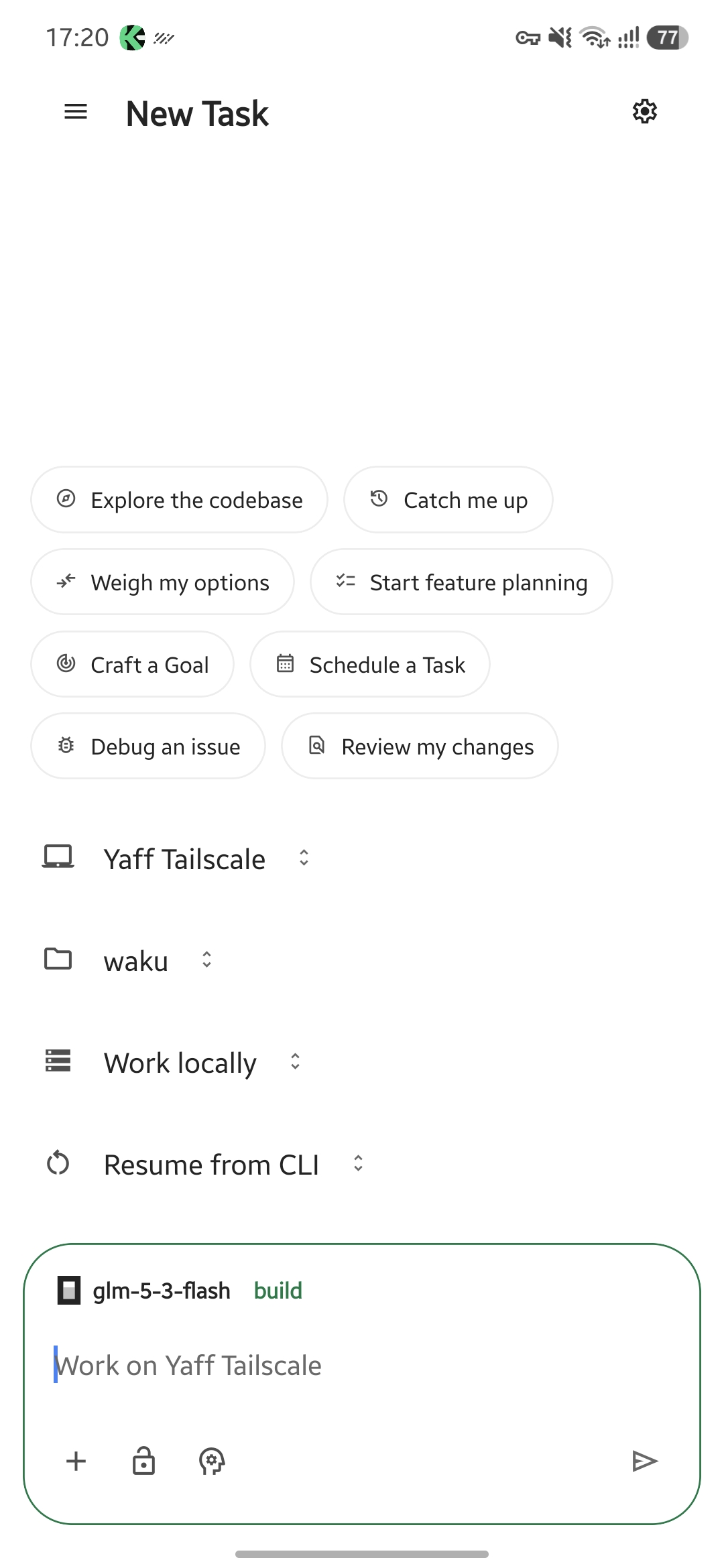
01
Start a task
Quick-start chips, machine and project pickers, and the composer.
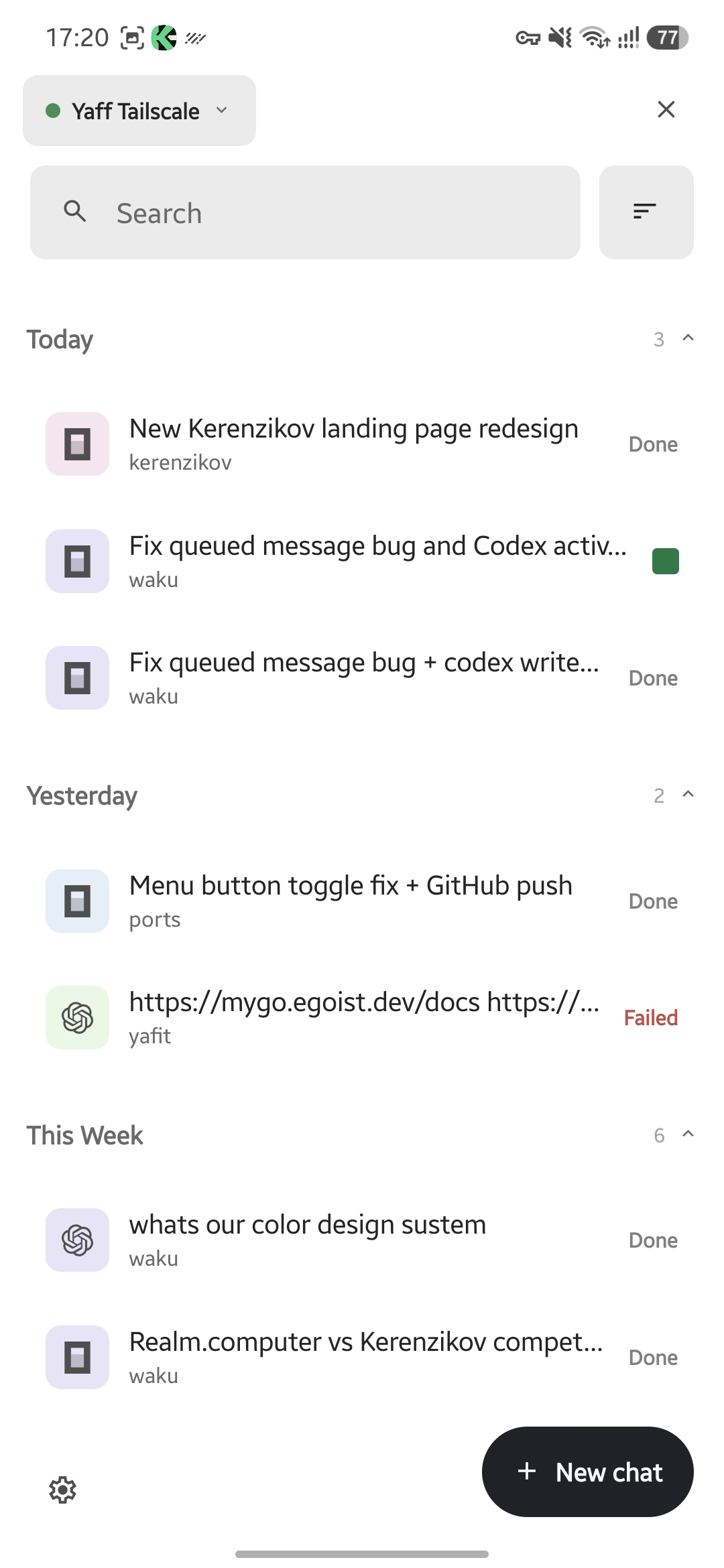
02
Every task, by day
Grouped under Today and Yesterday, provider mark and status on each row.
03
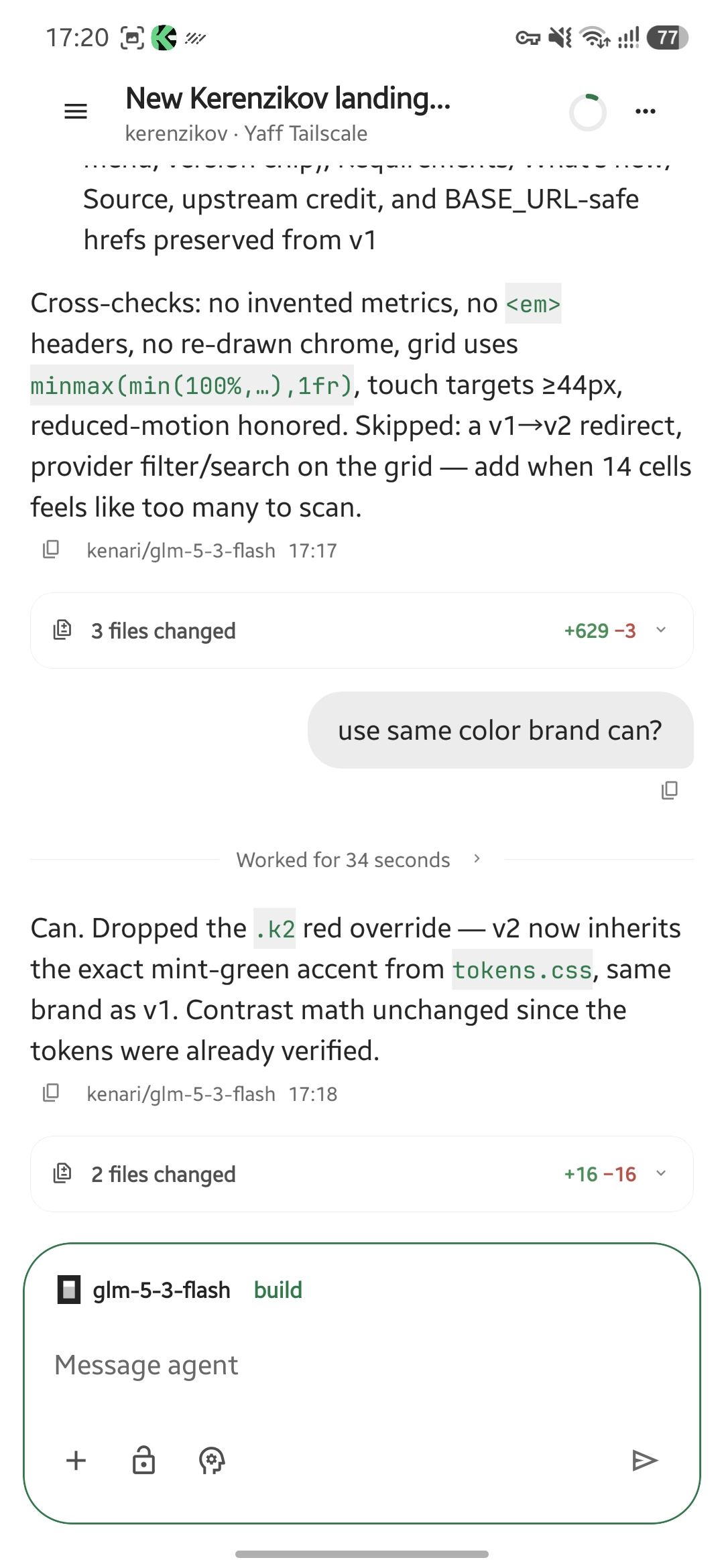
Watch it work
The transcript streams live while the agent runs on your desktop.
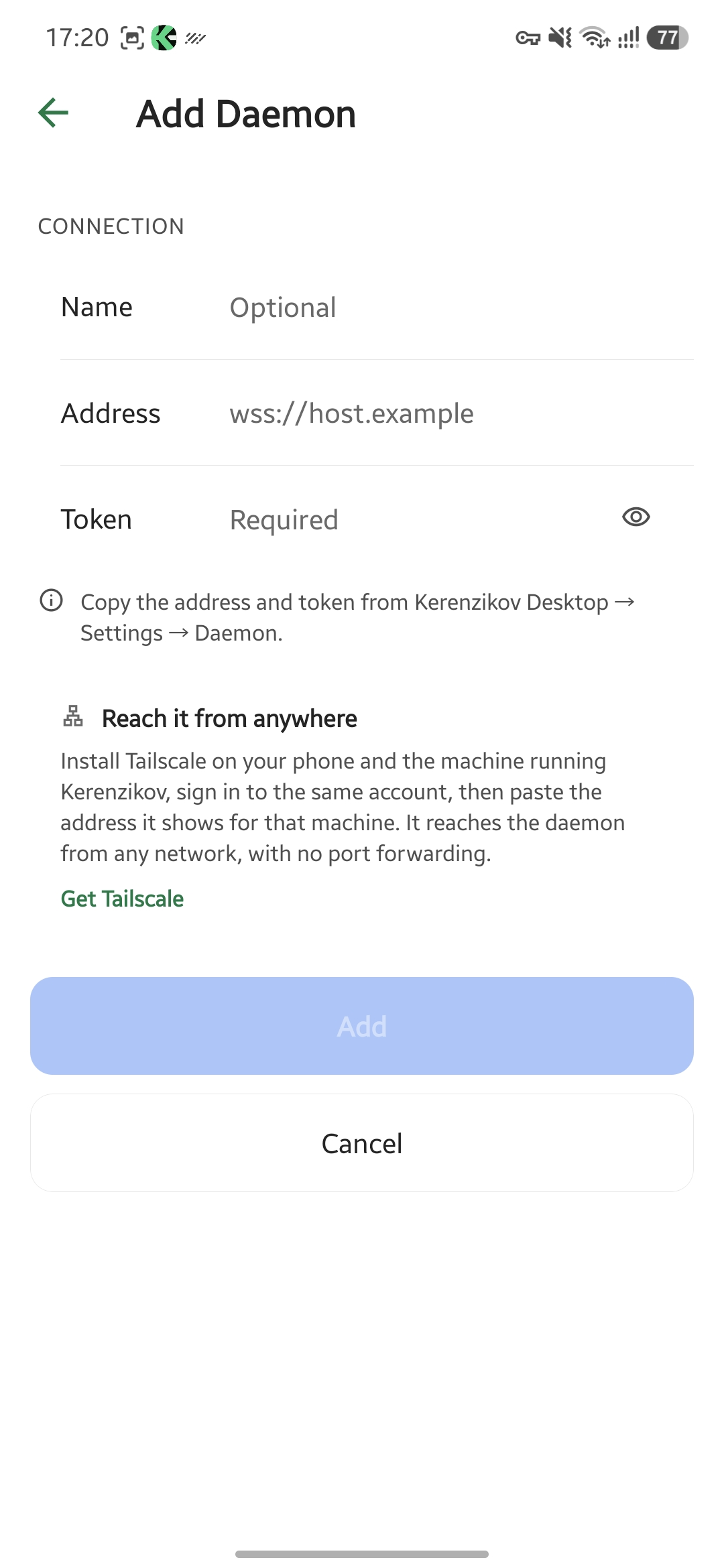
04
One-time setup
Paste the address and token from Desktop → Settings → Daemon. Tailscale optional.
Get it.
Install one agent CLI and authenticate it first; Kerenzikov drives those, it does not replace them. The first install is the manual one — after that, updates arrive in place. The Android APK is in the same menu and pairs with the desktop daemon.